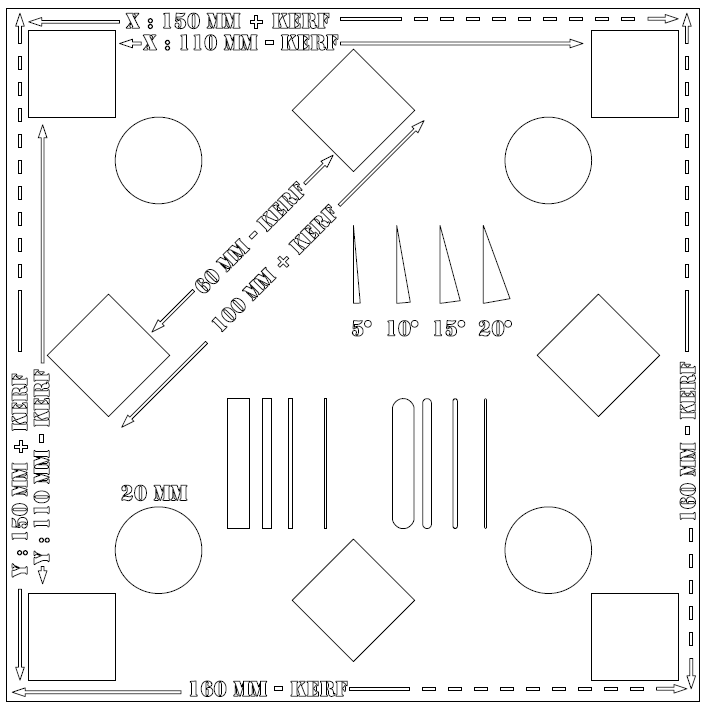
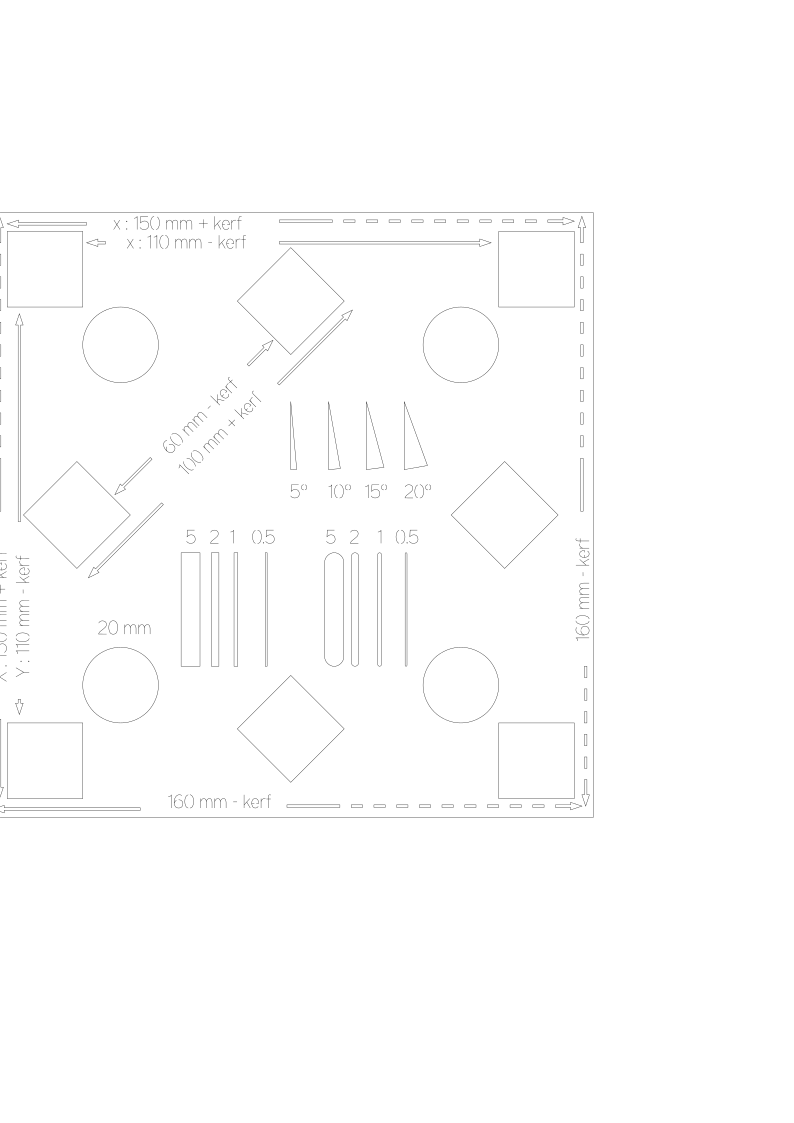
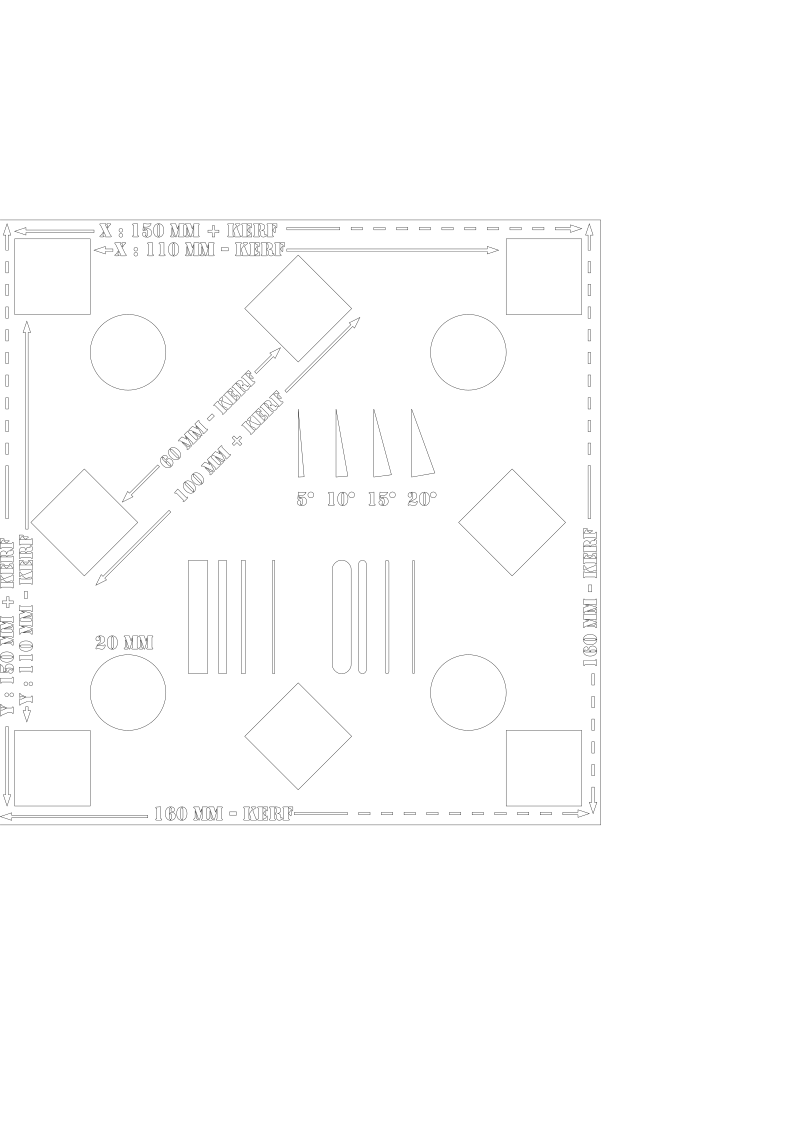
Test file for scale in X and Y, Kerf

Hello

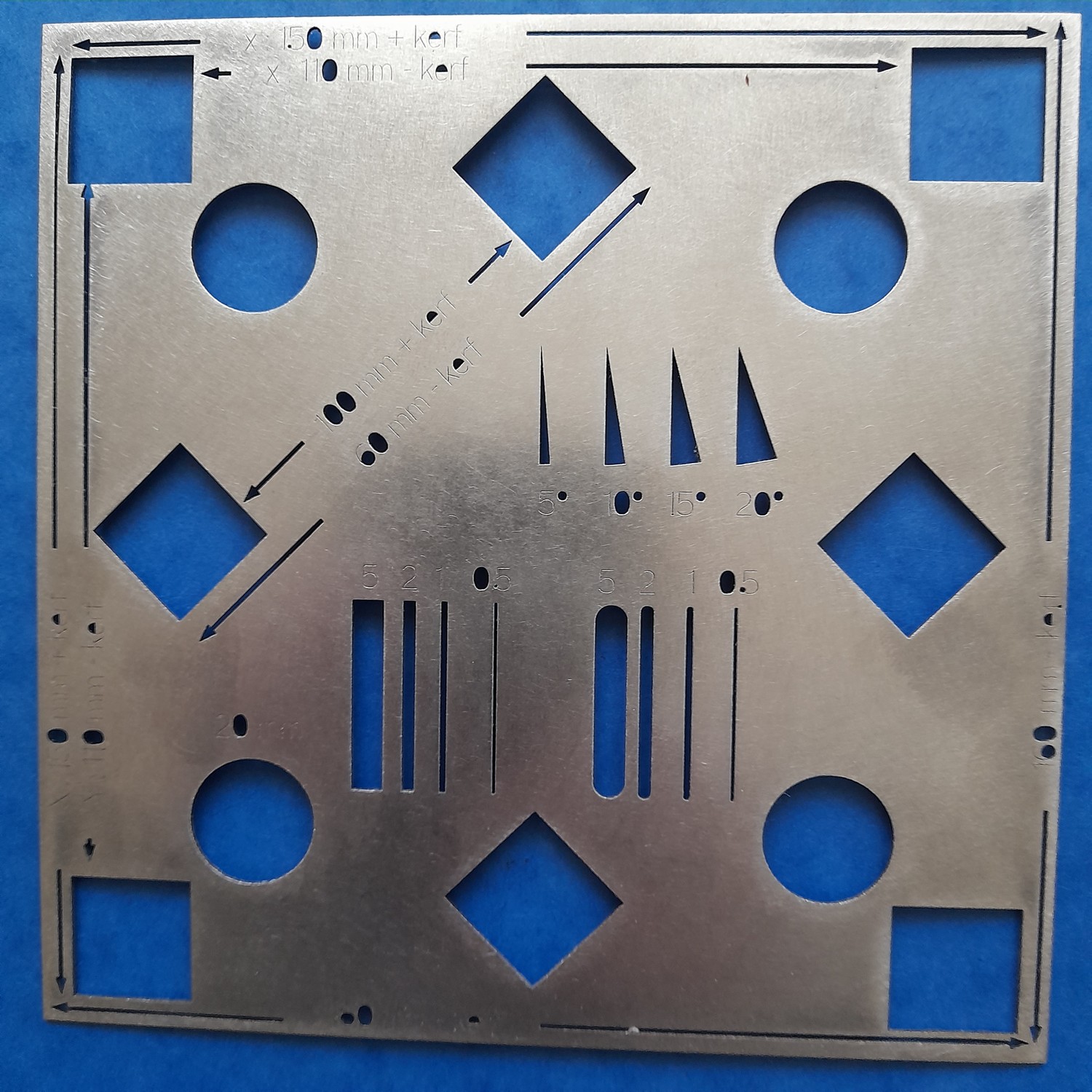
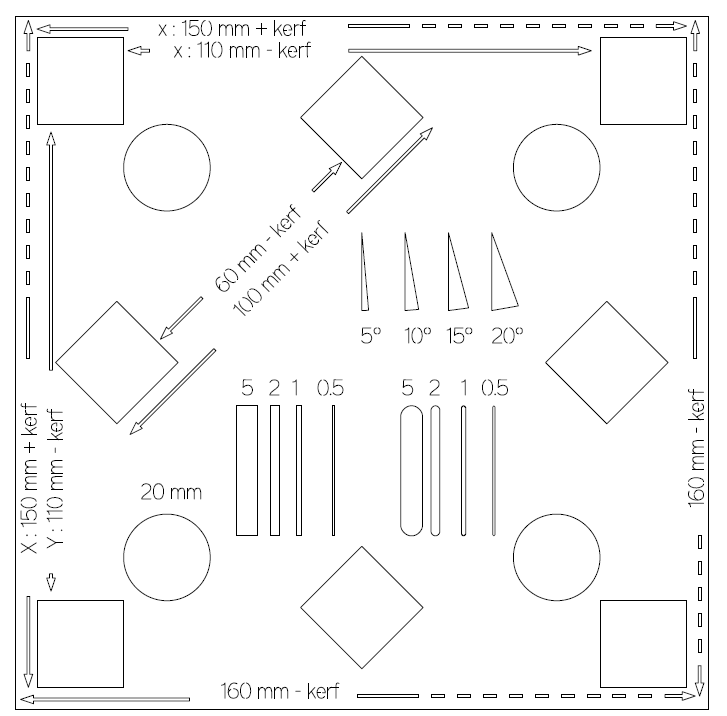
here is a little test file I did to control the scale in X and Y axis and also it gives an idea of the Kerf and others things. I made some correction from this first test.

There is a version with just open curves for the text

And another with classical font

Drawing done using Rhinoceros, fabulous community on

As it is not possible to publish DXF, here files in SVG, not tested with GWEIKE.

Thanks much Laurent.

It is easy to move from SVG to DXF
Use Lightburn, it works great for me.

MLaser application from GWEIKE do not import SVG files

Hello Francois,

I have not a problem of conversion, I use Rhinoceros to output dxf and it works well. And for other project I also use Grasshopper/Rhino to automate generation of hunded of dxf file.

This discourse doesn’t allow for dxf zip ….

Hello Laurent,
I was not saying that you have a problem of conversion :wink: .
I was just giving a tip for people to handle SVG files with MLaser, to use LightBurn to make the conversion.
By the way, I tried to convert a Fusion360 sketch to DXF and it fails to be correctly loaded by MLaser.
I had to do FUSION (Shaper|Origin) => SVG => LightBurn => DXF => MLaser to obtain a correct result.
1 Like

I wrote to the administrator to see if possible to add dxf or zip file to this forum.

I wrote an extension to Rhinoceros many years ago because it didn’t had it and on new version it was aimed to image and not laser cutting.

https://www.food4rhino.com/en/app/save-scalable-vector-graphics?lang=fr

I did it for this laser cutting service which some years ago has just SVG.

https://www.sculpteo.com/fr/decoupe-laser/materiaux-decoupe-gravure-laser/

Here are DXF files

mire_fonts_mm.dxf (2.5 MB)

mire_lines_mm.dxf (1.9 MB)